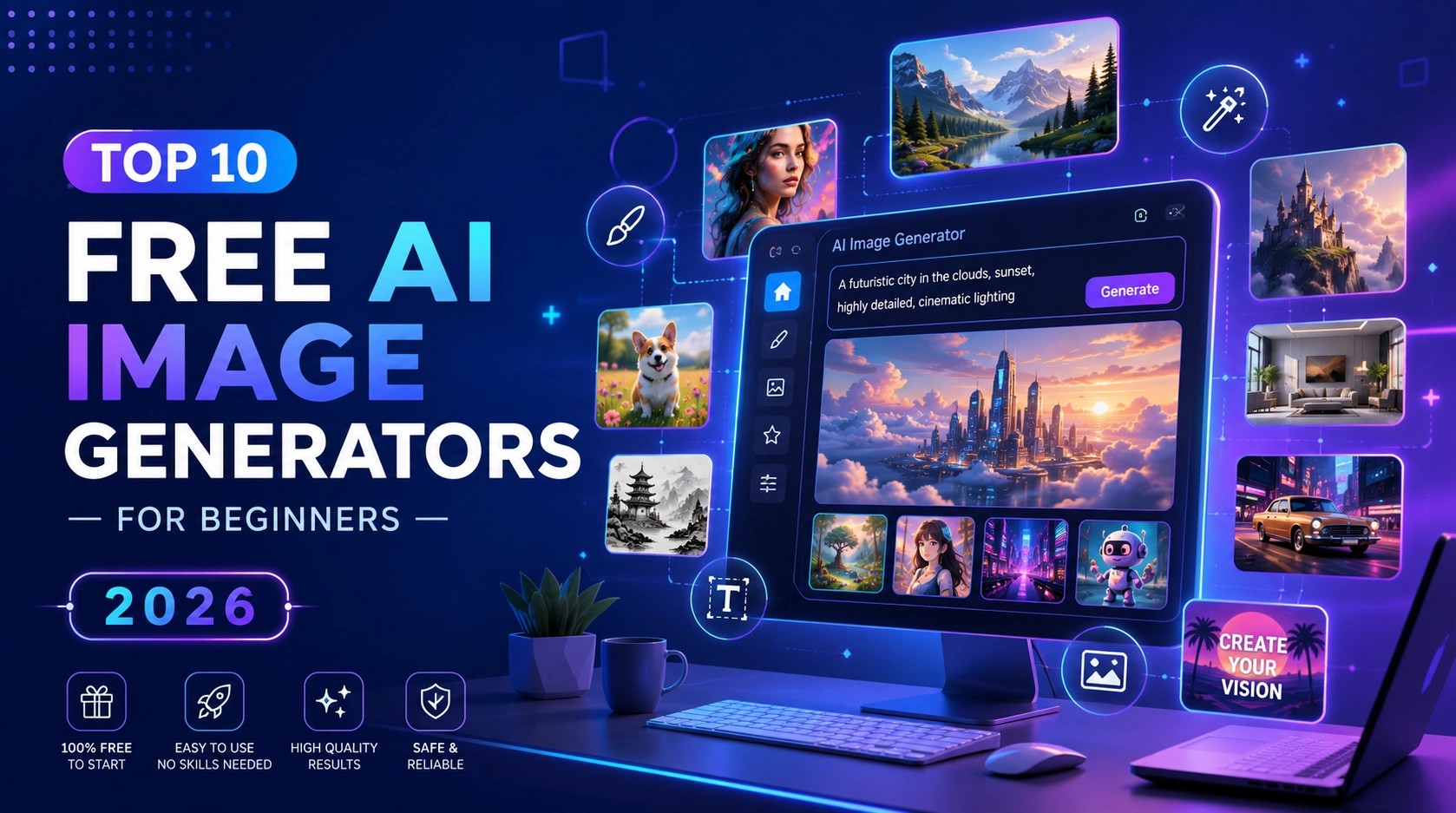

You don’t need Photoshop skills or a design degree to use a free AI image generator and create stunning visuals anymore. AI image generator let you type a description and get a finished image in seconds and in 2026, several of the best ones are still completely free to start with.
If you are new to AI art, the sheer number of tools out there can be overwhelming. So we tested and compared the ten best free AI image generators for beginners, ranked by ease of use, free daily limits, and image quality.
1. Google Gemini (Nano Banana 2)
Google’s Gemini app is one of the easiest ways to get started with AI images, and it doesn’t require any special setup. Just open the app or website, type your prompt, and Gemini generates the image for you using its Nano Banana 2 model.
What makes it beginner friendly is the generous daily free allowance and Google’s built-in world knowledge, so if you ask for a specific landmark or object, it tends to get the details right without a long, complicated prompt.
Best for: Beginners who want reliable results with a simple daily limit instead of a confusing credit system.
Free tier: A daily allowance of images through the Gemini app, with lower limits on the higher end Pro model.
Note: All images include an invisible watermark for authenticity.
2. ChatGPT (GPT Image)
If you already use ChatGPT, you already have access to an AI image generator. ChatGPT’s image model is built for conversation , you describe what you want in plain language, and you can keep refining it by chatting back and forth (“make the background darker,” “add a hat”).
This conversational back and forth is what makes it especially approachable for beginners, since you don’t need to know special prompt formatting.
Best for: Beginners who want to describe and refine images through natural conversation.
Free tier: A limited number of free generations per day; more available with a paid plan.
3. Microsoft Designer (Bing Image Creator)
Microsoft Designer is arguably the lowest friction option on this list sign in with a free Microsoft account and start generating immediately, right in your browser.
It offers a mix of fast, priority generations plus unlimited slower generations, so casual users rarely hit a hard wall.
Best for: Anyone who wants a completely free, no install, no credit card option.
Free tier: A set number of fast generations per day, plus unlimited standard speed generations.
4. Canva (Magic Media)
If you’re already creating social media graphics, presentations, or flyers, Canva’s built-in AI image tool (Magic Media) is a natural next step. You can generate an image and drop it straight into your design, no exporting and re-importing required.
It’s not the most powerful model on this list, but for quick, practical graphics it’s one of the fastest workflows available.
Best for: Beginners who want AI images inside an existing design workflow.
Free tier: A limited number of free AI image generations included with a free Canva account.
5. Adobe Firefly
Adobe Firefly is the safest choice if you plan to use your images commercially, for a blog, a product, or a client project. Adobe trained it exclusively on licensed and public domain content, which means there is no copyright gray area hanging over your output.
It also integrates directly with Photoshop and Illustrator if you ever want to edit your AI-generated images further.
Best for: Beginners who want commercially safe images without legal risk.
Free tier: A monthly allotment of generative credits, watermark free.
6. Leonardo AI
Leonardo AI stands out for its variety of fine tuned models, separate options for photorealism, anime, concept art, and game assets. This makes it a good pick once you outgrow generic “type and go” tools and want more control over style.
It also has a built-in canvas editor and image to image tools for beginners who want to start experimenting with edits.
Best for: Beginners who want to explore different art styles.
Free tier: A daily allotment of credits, refreshed regularly.
7. Ideogram
Most AI image generators struggle to render legible text inside an image. Ideogram is the exception. If you need a poster, a product label, a meme, or any graphic with actual readable words in it, this is the tool built for that job.
Best for: Beginners making graphics that need text, quotes, logos, headlines, labels.
Free tier: A set number of generations per day on the standard queue.
8. NightCafe
NightCafe leans into community. You earn free credits daily just by logging in and participating, voting on other users’ art, joining challenges, and so on. It supports multiple underlying models, so you can experiment with different styles from one account.
Best for: Beginners who enjoy a social, gamified way to earn free generations.
Free tier: A small number of daily credits that can build up over time.
9. Playground AI
Playground AI offers one of the more generous free tiers around, which makes it great for beginners who want to generate a lot of images while they’re still learning how to prompt effectively, mood boards, concept exploration, quick iterations.
Best for: Beginners who want high volume, low pressure experimentation.
Free tier: A relatively generous daily image allowance compared to competitors.
10. Stable Diffusion / FLUX (Open Source)
This is the advanced option on the list not because it costs money (it doesn’t), but because it takes more effort to set up. Stable Diffusion and FLUX are open-source models you can run on your own computer using free tools like Automatic1111 or ComfyUI.
Once it’s running, you get unlimited free generations with full control over every setting, and no daily caps or company servers involved. It’s a steeper learning curve, but a great next step once you’ve outgrown browser based tools.
Best for: Beginners ready to level up into unlimited, fully customizable generation.
Free tier: Unlimited, self-hosted (requires a reasonably capable computer/GPU).
Which Free AI Image Generator Should You Choose?
- Just want something simple that works? Start with Google Gemini or Microsoft Designer.
- Need images with legible text? Use Ideogram.
- Planning to sell or publish commercially? Use Adobe Firefly.
- Already using Canva for design? Stick with Magic Media.
- Want unlimited free images long-term? Learn Stable Diffusion or FLUX.
Most people end up using two or three free AI image generator depending on the project and since all ten of these free AI image generator are free start, there’s no reason not to try a few and see which one fits the way you work.
Frequently Asked Questions
Most free AI image generator tools give you a genuine daily or monthly allowance at no cost, but expect limits, fewer images per day, slower generation speed, lower resolution, or a watermark. Unlimited, fully free generation usually only comes from self-hosted, open-source tools like Stable Diffusion.
It depends on the tool. Adobe Firefly and similar licensed data tools are the safest for commercial use. Always check each platform’s specific terms before using an image in a paid product, ad, or client project.
Google Gemini and Microsoft Designer are the easiest to start with no complicated setup, no prompt expertise required, and generous free daily limits.
Some do. Google’s tools, for example, apply an invisible digital watermark for authenticity. Always check the specific tool’s policy if watermark-free output matters for your use case.