

ChatGPT Wallet gives eligible users a way to let an AI assistant complete a purchase after they review and approve it. OpenAI announced the feature on November 13, 2026, adding a payment step to the product research and comparison people already do with AI.
The launch comes with a significant restriction: access starts with eligible ChatGPT Pro users in the United States. A Plus subscription or access to ordinary shopping conversations does not automatically include Wallet.
This guide explains the launch requirements, the purchasing process, and practical ways to evaluate the feature. It is based on published documentation, not a hands-on checkout test. OpenAI’s announcement is the primary launch source.
In this guide
What is ChatGPT Wallet?
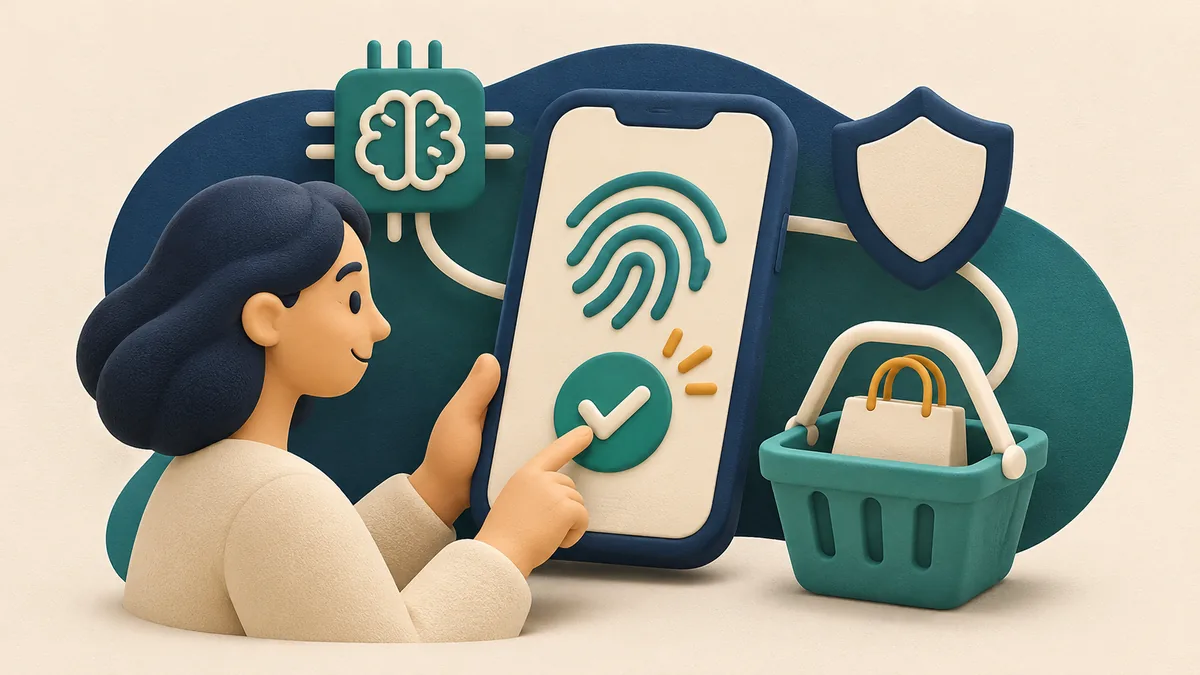
Think of Wallet as the payment connection for an AI shopping assistant. The assistant helps with the shopping task; Wallet handles an approved payment using a substitute card credential.
TechCrunch’s launch coverage describes the new feature working with OpenAI’s agents called dots. The practical question is whether that extra purchasing step saves enough effort for your particular task.
For background on what an agent does, see our guide to building your first AI agent without coding. Understanding the difference between suggesting an action and carrying it out makes shopping permissions easier to evaluate.
ChatGPT Wallet availability and pricing
OpenAI’s Wallet help guide lists these launch requirements:
- A Pro account included in the US rollout.
- Age 18 or older, US residence, and a US billing address.
- An eligible US-issued credit card.
- A dot conversation and a device supporting biometric purchase approval.
The guide names eligible US-issued American Express, Chase, Mastercard, and Visa credit cards. Chase enrollment requires the primary cardholder. Debit cards are unsupported, and virtual cards cannot be added at launch.
Wallet is not currently available in ordinary Chat, Work, or standalone Codex threads. An eligible account may also need to wait for the rollout.
Free versus paid access
| Plan | Monthly price | Wallet at launch |
|---|---|---|
| Free | $0 | Not included in the announced rollout |
| Plus | $20 | Not included in the announced rollout |
| Pro | From $100 | Eligible US accounts, subject to rollout and other requirements |
Prices come from OpenAI’s published plan information. Check the current checkout price and applicable taxes before subscribing.
For ChatGPT Wallet pricing, distinguish the subscription from the purchase itself. Buying a product still costs money. The launch announcement does not list a separate Wallet subscription price.
For readers in Pakistan: the announced US eligibility requirements exclude normal local access. Upgrading a Pakistani account to Pro solely for Wallet would not resolve that restriction.
How to use ChatGPT Wallet: five steps
The enrollment and approval details below follow OpenAI’s help guide. The shopping brief and comparison checklist are our editorial recommendations.
1. Define the purchase before opening checkout
Choose one straightforward item and write down the essentials: exact model or specifications, maximum total, delivery deadline, and acceptable sellers.
Start with something easy to compare. A replacement accessory with a known model number is a clearer first test than an expensive item whose quality depends on personal preference.
2. Add a supported card through the secure form
Ask your dot to help add a card, or use Wallet in Settings. Enter card details only in the secure enrollment form and complete any bank verification.
Do not paste card numbers or verification codes into the conversation.
3. Ask for a comparison with evidence
Request a short list that includes product links, the exact variant, shipping costs, delivery estimates, and return conditions. Ask the assistant to flag any missing information.
Open the strongest candidate yourself. Check that the merchant page actually supports the details used in the comparison.
4. Review the purchase request
Check the seller, item, quantity, total, delivery details, selected card, and any recurring terms. Then approve through the supported biometric flow if everything matches.
Treat approval as a separate decision. A convincing explanation is not evidence that the cart contains the correct size or version.
5. Confirm the merchant accepted the order
After approval, the assistant continues checkout. Look for the merchant’s order confirmation before treating the purchase as complete.
If the result is unclear, check the order status before retrying. Repeating a purchase immediately can make an uncertain result harder to resolve.
Give your ChatGPT shopping agent a useful brief
The strongest shopping instructions contain constraints that can be checked. “Find good headphones” leaves nearly every decision open. A specific brief makes errors easier to spot before money changes hands.
Here is an original example you can adapt:
Find three new over-ear headphones for video meetings. My maximum total is $120 including tax and shipping. Prioritize microphone clarity, comfort, and returns without a restocking fee. Show the seller and exact model for each option. Flag anything you cannot verify. Do not substitute a different model without asking.
That dollar amount is an example budget, not a Wallet spending limit.
Our guide to writing better ChatGPT prompts explains how to turn a broad request into a clear task.
Three practical use cases to evaluate
Replacing a known accessory: provide the device’s exact model and the part number if available. Ask for evidence of compatibility. A connector that looks similar is not enough.
Buying a gift: specify delivery date, gift options, exclusions, and the recipient’s preferences. Ask the assistant to distinguish estimated delivery from a firm merchant commitment.
Comparing routine supplies: define quantity, size, and unit price. Watch for multipacks, subscriptions, and unusually small package sizes that make a headline price misleading.
These are suggested evaluation scenarios, not claims that every merchant or purchase type will work.
Measure usefulness on one real task
Keep a small comparison record: time spent preparing the request, corrections needed, final total, and whether the item matched the brief.
For example, an assistant might find a lower item price but overlook expensive delivery. Your useful outcome is the correct item at an acceptable total, delivered when needed. Count the time you spend reviewing and correcting the recommendation, too.
If a task requires repeated clarification, simplify the next brief. Add one missing requirement rather than turning the prompt into a long list of generic instructions.

ChatGPT Wallet safety: what the controls cover
OpenAI describes a payment-token system: the agent and merchant receive substitute payment credentials rather than your actual card details. The launch also requires a security check for each purchase. Fully delegated, pre-approved purchasing is described as a future direction, not a launch capability.
Those controls address payment access. They do not judge whether a product is suitable for you or whether a return policy is convenient.
OpenAI’s Wallet Privacy Notice says its payment provider collects full card information through the secure form. OpenAI receives a token and limited card details, alongside purchase, contact, and authorization records.
For a sensible first evaluation:
- Choose a seller whose policies you can understand.
- Confirm the exact product variant on the merchant page.
- Keep the receipt and the approved purchase details.
- Check whether the purchase includes a subscription or renewal.
- Share only the information needed to complete that purchase.
The Wallet terms also make clear that the merchant remains the seller. Order issues and refunds belong with the merchant; card billing or unauthorized-charge issues belong with the issuer.
What online store owners should prepare
OpenAI’s commerce documentation points businesses toward product feeds, browser access, and supported purchase integrations. Treat those as separate areas to assess.
For a WordPress or Shopify store, our recommended first audit is practical: are product names clear, variants explicit, stock accurate, and delivery and return terms visible before checkout?
Then compare what the product page says with what the cart charges. A shopper or assistant should not have to guess whether a price covers one item, a bundle, or a recurring order.
Test common points of confusion: a sold-out variation, an address outside your delivery area, a coupon that does not apply, and a product with several similar sizes. Write clear messages for each situation.
A well-described catalog can help people make decisions, but it does not establish guaranteed visibility, agent compatibility, or additional sales. Measure actual completed orders and support issues.

Pros, cons, and our verdict
Potential advantages
- A purchase can follow the research conversation.
- Substitute payment credentials reduce exposure of actual card details.
- The approval step creates an opportunity to check the order.
- Precise shopping briefs can make comparisons easier to review.
Current limitations
- Launch access is restricted by plan, country, card, and rollout.
- Store compatibility and checkout success are not universal.
- Product suitability and seller policies still require judgment.
- A paid subscription is a substantial commitment if shopping is your only use.
Our verdict: ChatGPT Wallet is worth evaluating if you already qualify and have a clear purchasing task. Start with one uncomplicated order and measure the complete experience.
For everyone else, use AI to organize product research and compare the results yourself. There is no need to buy a subscription for a feature your account cannot currently access.
Frequently asked questions
Is ChatGPT Wallet free?
The launch requires an eligible Pro subscription. OpenAI lists Pro plans from $100 per month, and purchased products are charged separately. The announcement does not state a separate Wallet subscription fee.
Does ChatGPT Plus include Wallet?
No. The announced launch is for eligible Pro subscribers in the United States. Plus access to other ChatGPT features does not establish Wallet eligibility.
Can I use ChatGPT Wallet in Pakistan?
The launch requirements specify US residence, a US billing address, and an eligible US-issued card. Normal access from Pakistan is not included. No Pakistan launch date was confirmed in the sources reviewed.
Which ChatGPT Wallet payment methods are supported?
The help guide lists eligible US-issued American Express, Chase, Mastercard, and Visa credit cards. Chase requires the primary cardholder. Debit cards are unsupported. Virtual cards cannot be enrolled at launch, even though Wallet itself uses substitute credentials during checkout.
Can the shopping agent buy without my approval?
The documented launch flow requires you to approve each purchase. OpenAI describes broader pre-approved purchasing as a future direction. Review any recurring-payment terms before agreeing to an order.
What if checkout fails after I approve?
Check the merchant’s order confirmation or order history before trying again. Contact the merchant about the order and your card issuer about an unclear charge. An interrupted conversation does not establish whether an order succeeded.