


AI tools have gone from “that’s cheating” to “that’s how you study” in the space of about two years. Used well, the best AI tools for students can genuinely help you understand difficult topics faster, organize scattered notes, and produce stronger work used badly, they can just become five extra browser tabs that don’t actually save you time. Here’s a focused, honest list of what’s actually worth using in 2026, and what each one is genuinely good at.
The Short Version
You don’t need ten different AI tools. Most students only need: one general chatbot (for explanations and brainstorming), one research tool (for cited sources), one note/document tool (for studying your own material), and one writing checker. Everything below is organized around those categories, so you can pick one from each rather than collecting every tool on this list.
1. ChatGPT Best All Around Study Assistant
ChatGPT remains the most versatile starting point for students explaining difficult concepts in simpler terms, brainstorming essay ideas, working through problem sets step by step, and drafting outlines. Where it helps most is early thinking: turning a vague assignment into a clear plan before you start writing.
Free tier: Generous daily free access, with a $20/month Plus tier for heavier use. Best for: General explanations, brainstorming, and early stage drafting. Worth knowing: If you want it to actually give you useful, specific study help instead of generic answers, learning to prompt it well makes a real difference see our guide on how to write better ChatGPT prompts.
2. NotebookLM Best for Studying Your Own Material
NotebookLM is one of the most underused tools available to students in 2026, and arguably the most genuinely useful. You upload your own lecture notes, textbook PDFs, or research papers, and it builds a chat interface that answers questions using only what you uploaded it can’t make things up about your specific course because it’s constrained to your actual material.
Free tier: Fully free with a Google account, no meaningful daily limit on core features. Best for: Turning your own notes and readings into a searchable, ask anything study assistant. Worth knowing: This is the safest AI study tool to rely on for accuracy, since it isn’t pulling from the open internet it’s only working from documents you gave it.
3. Claude Best for Essay Writing and Long Form Work
For longer writing assignments, essays, and reports, Claude tends to produce stronger, more natural prose and follows detailed instructions about tone and structure more consistently than most alternatives. It’s a strong pick specifically when the assignment is the writing itself, not just getting an answer.
Free tier: Free tier with daily caps, Pro at $20/month. Best for: Essays, reports, and any assignment where writing quality is graded directly
4. Perplexity Best for Cited Research
Perplexity’s whole design is built around answering questions with linked sources attached, which makes it a stronger starting point than a general chatbot when you need to actually cite where information came from. One important habit here: sources attached to an answer don’t automatically make the answer correct open the links, read the original, and confirm the source actually supports the claim before you cite it.
Free tier: Free with daily query limits. Best for: Research assignments where citations matter.
5. Wolfram Alpha Best for Math and Science
Wolfram Alpha solves math problems step by step from basic algebra through differential equations and shows the full working, not just the final answer, which makes it genuinely useful for actually learning the method rather than just getting a number.
Free tier: Free version handles individual problems. Paid: Pro tier (around $5.49/month for students) unlocks extended step by step solutions and practice problems. Best for: Math and science problem solving where you need to see the steps.
6. Grammarly Best for Polishing Your Writing
Grammarly checks grammar, clarity, structure, and tone, and is specifically useful for improving your own writing rather than generating new writing for you a distinction worth caring about, since it helps you get better at writing instead of just outsourcing it.
Free tier: Solid free tier covering core grammar and clarity checks. Best for: Final pass editing on essays, emails, and applications.
7. Gamma Best for Presentations
If you need a presentation built quickly, Gamma generates a full slide deck from a topic or outline, handling layout and design automatically a genuine time saver compared to manually formatting slides.
Free tier: Free tier available with export limits. Best for: Turning an outline into a presentable slide deck fast.
8. Quizlet AI Best for Flashcards and Revision
Quizlet’s AI features can generate flashcards and practice questions automatically from your notes or study material, which is useful specifically for exam revision rather than initial learning.
Free tier: Free with core flashcard generation. Best for: Active recall revision before exams.
How to Actually Use These Without Cutting Corners
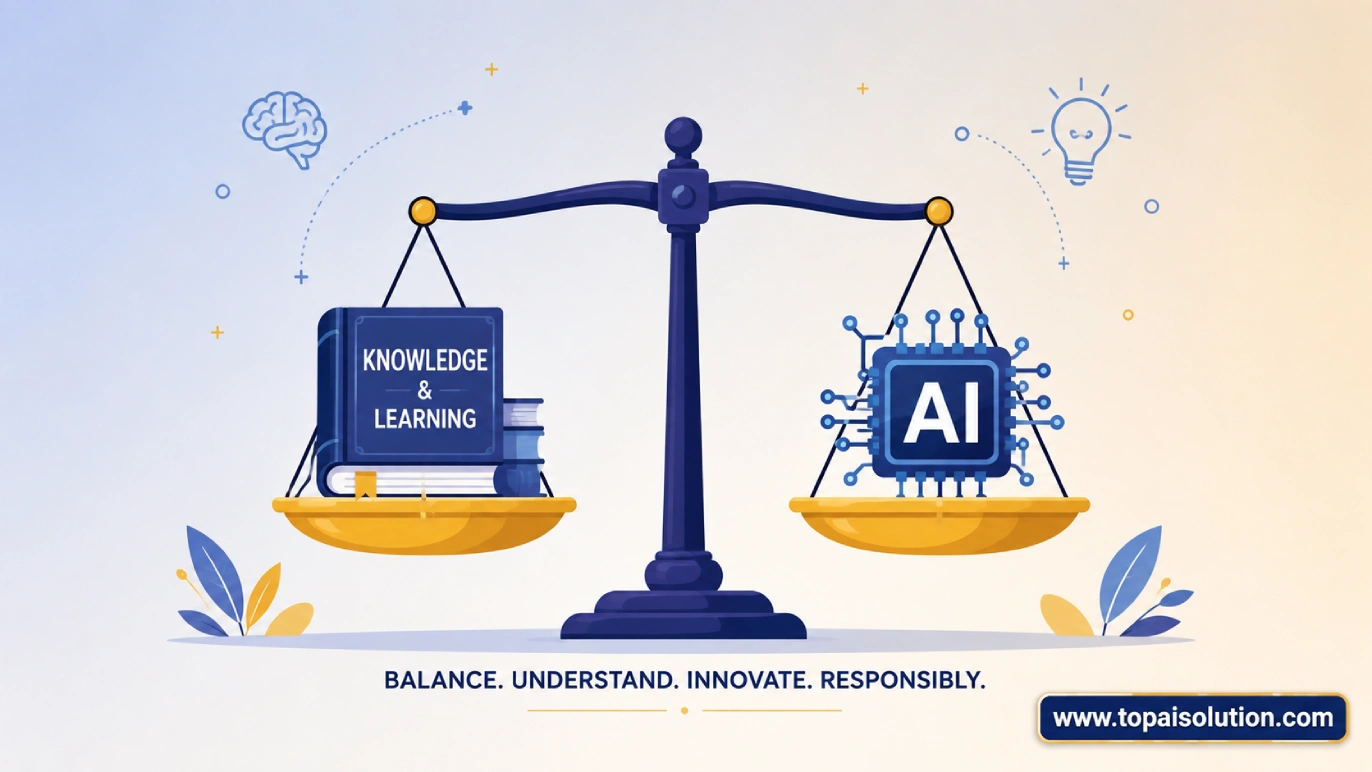
The honest line most educators draw in 2026 isn’t “AI vs. no AI” it’s whether you’re using it to understand something faster or to skip understanding it entirely. A few habits that keep you on the right side of that line:
- Use AI to explain, not to write your final answer for anything you’ll be tested on without AI access
- Always verify cited sources rather than trusting a citation just because it’s linked
- Use NotebookLM style tools for your own material instead of asking a general chatbot to “explain my textbook” from memory, which risks inaccurate or generic answers
- Check your school or course’s specific AI policy these vary significantly between institutions and even between individual professors
| Tool | Best For | Free Tier |
|---|---|---|
| ChatGPT | General explanations & brainstorming | Generous |
| NotebookLM | Studying your own notes/PDFs | Fully free |
| Claude | Essays & long-form writing | Daily caps |
| Perplexity | Cited research | Query limits |
| Wolfram Alpha | Math & science step-by-step | Basic free, Pro ~$5.49/mo |
| Grammarly | Editing & polishing writing | Solid free tier |
| Gamma | Presentations | Free with export limits |
| Quizlet AI | Flashcards & revision | Free core features |
Frequently Asked Questions
Most of the tools on this list have genuinely useful free tiers ChatGPT, NotebookLM, Perplexity, and Grammarly all offer solid functionality at no cost. A few, like Wolfram Alpha’s advanced features, have an inexpensive student priced paid tier.
Perplexity is the strongest starting point for cited research, though always verify the linked sources yourself rather than trusting the citation alone. NotebookLM is better once you have your own reading material to work from.
It depends entirely on your school and instructor’s specific policy, which varies significantly. Using AI to understand a concept faster is generally viewed differently than using it to generate a final graded submission check your course’s specific guidelines.
No. Most students only need one general chatbot, one research tool, one note taking tool, and one writing checker. Using too many tools tends to create more open browser tabs, not more actual progress.
Wolfram Alpha is specifically built for step by step math and science problem solving, showing full working rather than just a final answer.