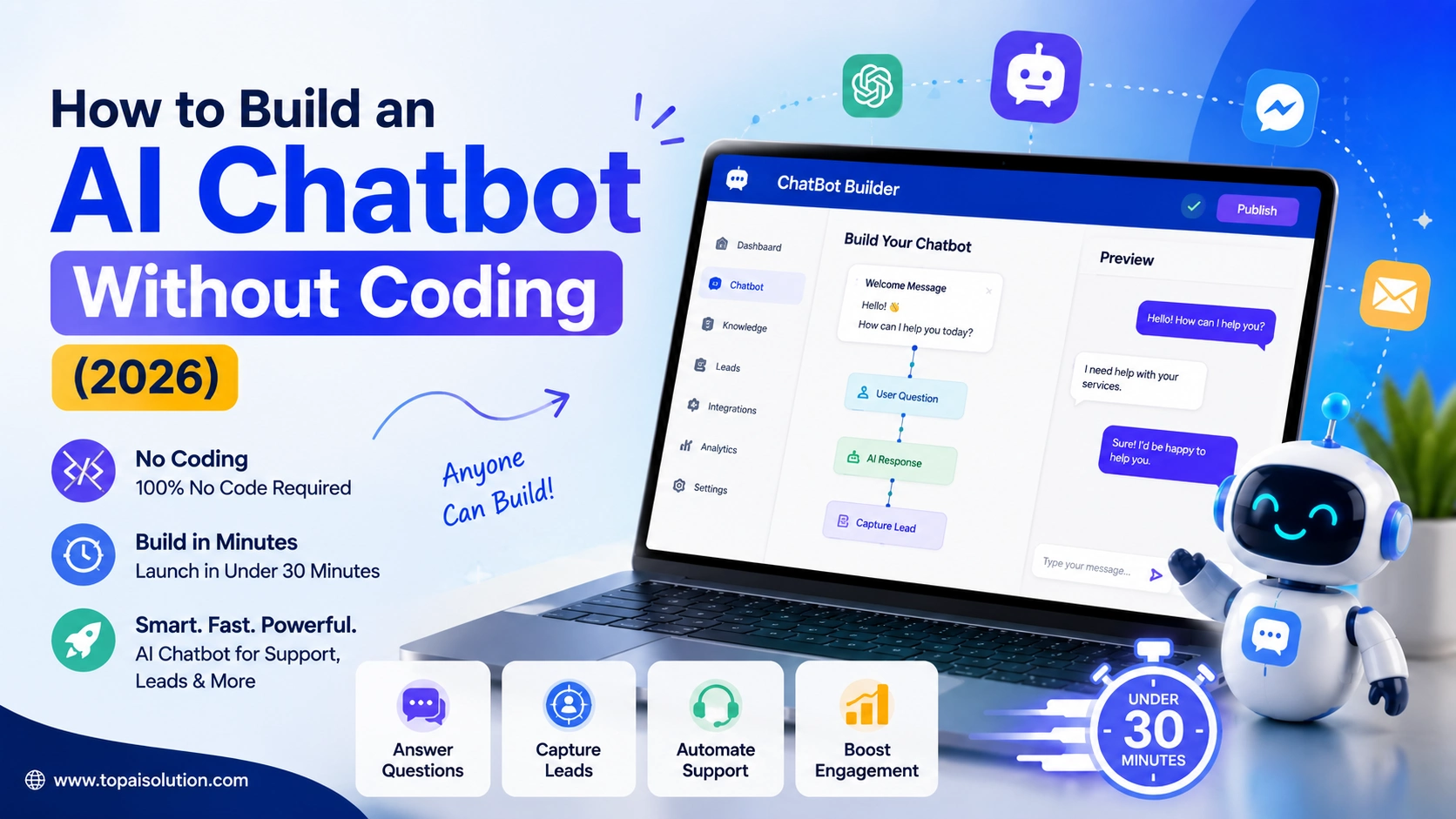

A few years ago, building a chatbot meant hiring a developer, waiting weeks, and paying thousands of dollars. That’s no longer true. In 2026, you can build a fully functional AI chatbot without coding in under an hour, using free drag and drop tools that require zero programming knowledge.
Whether you want a chatbot that answers customer questions on your website, captures leads on Instagram, or handles FAQs on WhatsApp, this guide walks you through exactly how to build one no code, no developer, no budget required to get started.
What Is a No-Code AI Chatbot?
A no-code AI chatbot is a conversational tool you build using visual, drag and drop interfaces instead of writing code. Two main approaches exist:
- Flow builders: you design a decision tree of buttons and scripted replies, and the bot follows the exact path you built. Great for lead capture, quizzes, and structured conversations.
- AI-trained bots: you point the tool at your website, help docs, or FAQ page, and it reads that content and answers questions in its own words, including ones you never scripted. Better for open ended customer support.
Some platforms (like Tidio) offer both in one place. Knowing which type you need is the first real decision when building an AI chatbot without coding.
Step by Step: Build Your AI Chatbot Without Coding
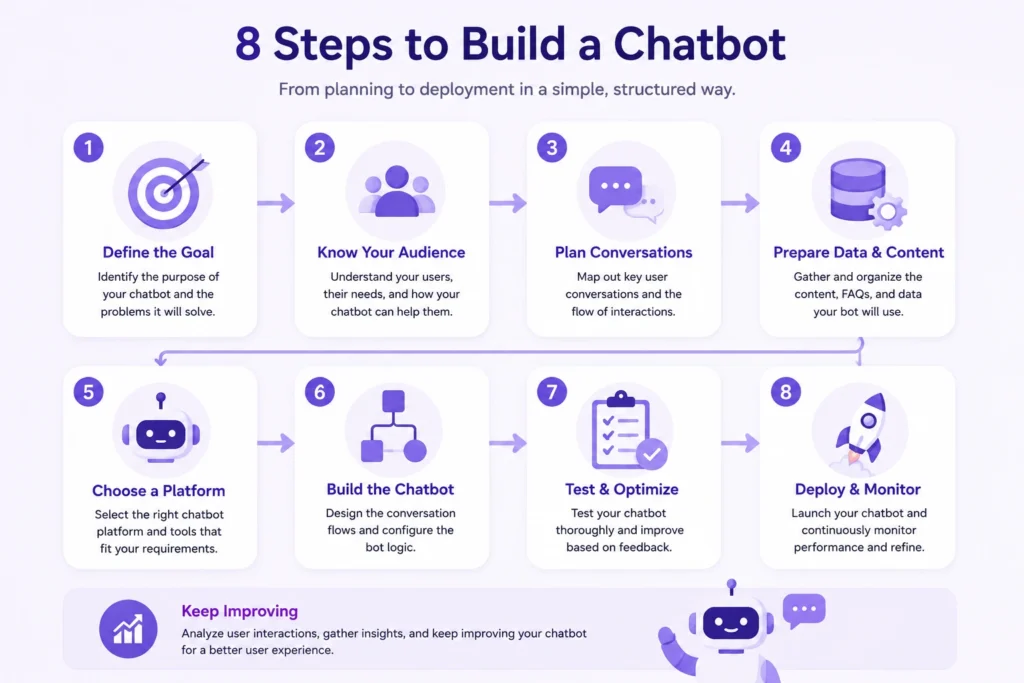
Step 1: Decide What Your Chatbot Needs to Do
Before opening any tool, get clear on the job. Common use cases:
- Answering FAQs on your website (support)
- Capturing leads from visitors (sales/marketing)
- Automating replies on Instagram or WhatsApp (social commerce)
- Booking appointments or collecting orders (operations)
Your answer here determines which platform is right for your AI chatbot without coding project to pick in Step 2, a chatbot for WhatsApp sales needs a different tool than one for answering support questions on your blog.
Step 2: Choose Your No-Code Platform
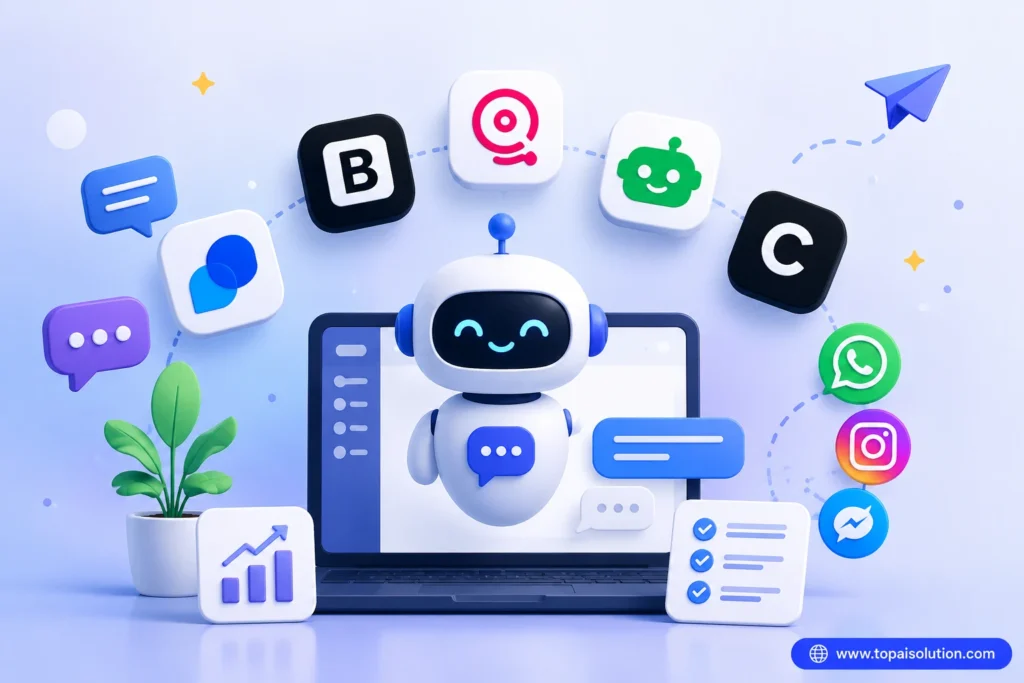
Here are the most reliable free options for building an AI chatbot without coding in 2026:
Tidio: Best all-in-one option for beginners to build AI chatbot without coding. Combines live chat with an AI chatbot (called Lyro) that pulls answers from your own knowledge base automatically. Comes with pre made templates and a visual flow editor, so you can mix scripted flows with AI responses.
Botpress: The most powerful free option, with a generous free tier (500 messages/month) and a true visual flow builder. It is slightly more flexible than others because it supports multiple AI models, though the interface has a small learning curve.
Landbot: Known for its clean, conversational visual builder. Great if you want a chatbot that feels more like a natural chat than a rigid form, with strong WhatsApp support.
ManyChat: The go to choice if your chatbot lives mainly on Instagram, Facebook Messenger, or WhatsApp. Its free plan covers 1,000 contacts and works well for social commerce and DM automation.
Chatbase: Designed specifically for AI trained bots. Upload your documents or paste your website URL, and it trains a chatbot on that content automatically, ideal if your main goal is answering support questions accurately.
For a first chatbot, Tidio or Landbot are the easiest starting points since both let you launch in under an hour with no prior experience.
Step 3: Sign Up and Choose a Template
Once you have picked your platform, it’s time to create your account and get your AI chatbot without coding set up in minutes.
- Pick a template that matches your goal: Most platforms offer ready made templates labeled “Customer Support,” “Lead Generation,” or “FAQ Bot” choose the one closest to what you actually need.
- Skip the blank canvas: As a beginner, starting from scratch will only slow you down. Templates come pre-built with the right flow and questions, saving you hours of setup time.
Step 4: Train Your Bot on Your Content
This is the step that makes it an AI chatbot rather than a rigid script.
- If using an AI trained tool (Tidio’s Lyro, Chatbase, ManyChat’s AI features): paste your website URL or upload your FAQ document. The tool reads the content and automatically generates answers.
- If using a flow builder (Landbot, basic ManyChat flows): manually add your most common questions and write out the responses using the visual editor drag blocks, connect them, and type in your replies.
Either way, no coding is involved just uploading content or typing responses into a visual interface.
Step 5: Customize the Look and Personality
Match the chatbot to your brand:
- Upload your logo and pick brand colors
- Write a short greeting message (e.g., “Hi! I’m here to help, ask me anything about our products”)
- Set the tone formal, casual, or playful in the bot’s settings
Step 6: Test It Thoroughly
Before going live, test your bot the way a real visitor would:
- Ask it questions in different phrasings (“What are your hours?” vs. “When are you open?”)
- Try edge cases it might not know how to answer
- Check what happens when it genuinely does not know something most platforms let you set a fallback message like “Let me connect you with our team” instead of a dead end answer
Step 7: Deploy and Connect
Once it’s working well:
- For a website: copy the embed code the platform generates and paste it into your site’s HTML (most website builders like WordPress, Wix, or Shopify have a simple “paste code here” field no manual coding needed)
- For WhatsApp/Instagram/Messenger: connect your business account directly inside the platform’s settings (usually a one click authorization)
Step 8: Monitor and Improve
After launch, check your chatbot’s conversation logs weekly. Look for:
- Questions it couldn’t answer (add those to its knowledge base)
- Common drop-off points in the conversation flow
- Opportunities to shorten or clarify responses
Building an AI chatbot without coding is not a one time task, the best performing bots get small updates every week based on real conversations.
Which Platform Should You Choose?
| Feature | Tidio | Botpress | Landbot | ManyChat |
|---|---|---|---|---|
| Free Plan | ✅ Yes | ✅ Yes (500 msgs/mo) | ✅ Yes | ✅ Yes (1,000 contacts) |
| Beginner-Friendly | ✅ Easiest | ⚠️ Slight learning curve | ✅ Easy | ✅ Easy |
| WhatsApp Support | ✅ Yes | ⚠️ Via integration | ✅ Strong | ✅ Native |
| AI-Trained on Your Content | ✅ Yes (Lyro) | ✅ Yes (multi-LLM) | ⚠️ Limited | ⚠️ Limited |
| Best For | All-around beginners | Power users, flexibility | Conversational UX | Instagram/social DMs |
- Total beginner, want it done fast: Tidio
- Need it on WhatsApp, Instagram, or Messenger: ManyChat or Landbot
- Want maximum free features and don’t mind a slight learning curve: Botpress
- Only need it to answer questions from your existing content: Chatbase
There is no single “best” tool the right one for building an AI chatbot without coding depends entirely on where your customers already are and how much customization you want.
Common Mistakes to Avoid
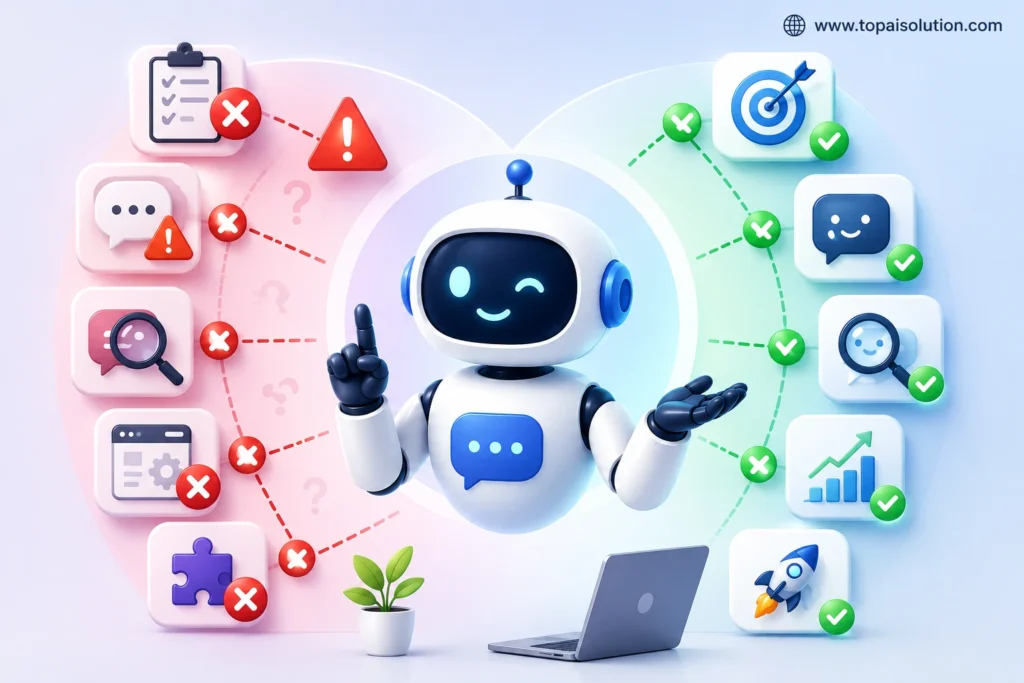
Even the best AI chatbot without coding setup can fail if you make these common mistakes:
Skipping the planning step. Jumping straight into a tool without deciding the chatbot’s one clear job leads to a confusing, unfocused bot.
Not setting a fallback response. If your bot doesn’t know an answer, it should say so gracefully and offer a human handoff not repeat itself or give a wrong answer.
Forgetting to test with real phrasing. People do not type the way you did expect. Test with messy, casual, misspelled questions, not just the clean ones you wrote.
Never updating it after launch. A chatbot built once and never touched again gets stale fast as your products, policies, or FAQs change.
Overcomplicating the first version. Start with 5–10 core questions. Expand gradually instead of trying to script every possible conversation on day one.
Frequently Asked Questions
Yes, absolutely. Platforms like Tidio, Chatbase, and Voiceflow are specifically designed for non-technical users. Setup typically takes minutes to hours, not days or weeks, and requires zero programming knowledge. If you can send an email, you can build a chatbot with these tools.
No-code chatbot platforms cost anywhere from $0 to $400 per month on a subscription basis, depending on how many questions you want your AI chatbot without coding to handle also free plans available for testing. For most small businesses and bloggers, the free plan of Tidio or Chatbase is more than enough to get started. Paid plans become worthwhile once you need more AI conversations per month, file based training, or advanced integrations.
A basic version usually takes 30 minutes to a few hours, depending on how many questions you want it to handle. AI-trained bots (like Chatbase or Tidio’s Lyro) are faster since they read your existing content automatically.
AI-trained bots handle a wide range of natural language questions well, especially if trained on solid content. But for highly technical or sensitive issues, it’s still smart to include an easy handoff to a human.
Tidio and Landbot are the easiest platforms for building an AI chatbot without coding as a total beginner. Tidio has a dedicated WordPress plugin that installs in seconds, a free plan that covers basic needs, and an AI engine (Lyro) that handles common customer questions automatically. Chatbase is also a great option if you want a chatbot trained on your blog content.
Yes. Platforms like Landbot and ManyChat support WhatsApp chatbot deployment. Landbot is especially strong for WhatsApp-based lead generation and customer service, while ManyChat is the go-to for social media automation across Instagram and Facebook Messenger.
Yes, all the platforms mentioned in this guide produce mobile-responsive chatbots. However, you should always test your chatbot on a real smartphone after building it especially on iOS and Android to make sure the chat widget displays correctly and the conversation flow works smoothly on smaller screens.
Ready to Build Yours?
Building an AI chatbot without coding is one of the fastest wins you can add to your toolkit this year. You do not need a developer, a big budget, or any coding experience to launch a working chatbot in 2026. Pick one platform from this list, start with a template, and go live with a simple version today, you can always expand it later.
If you are building out your AI toolkit further, check out our guide on the Best AI Tools for Small Businesses, or brush up on how to write better ChatGPT prompts, the same prompting skills help a lot when training an AI-based chatbot too.