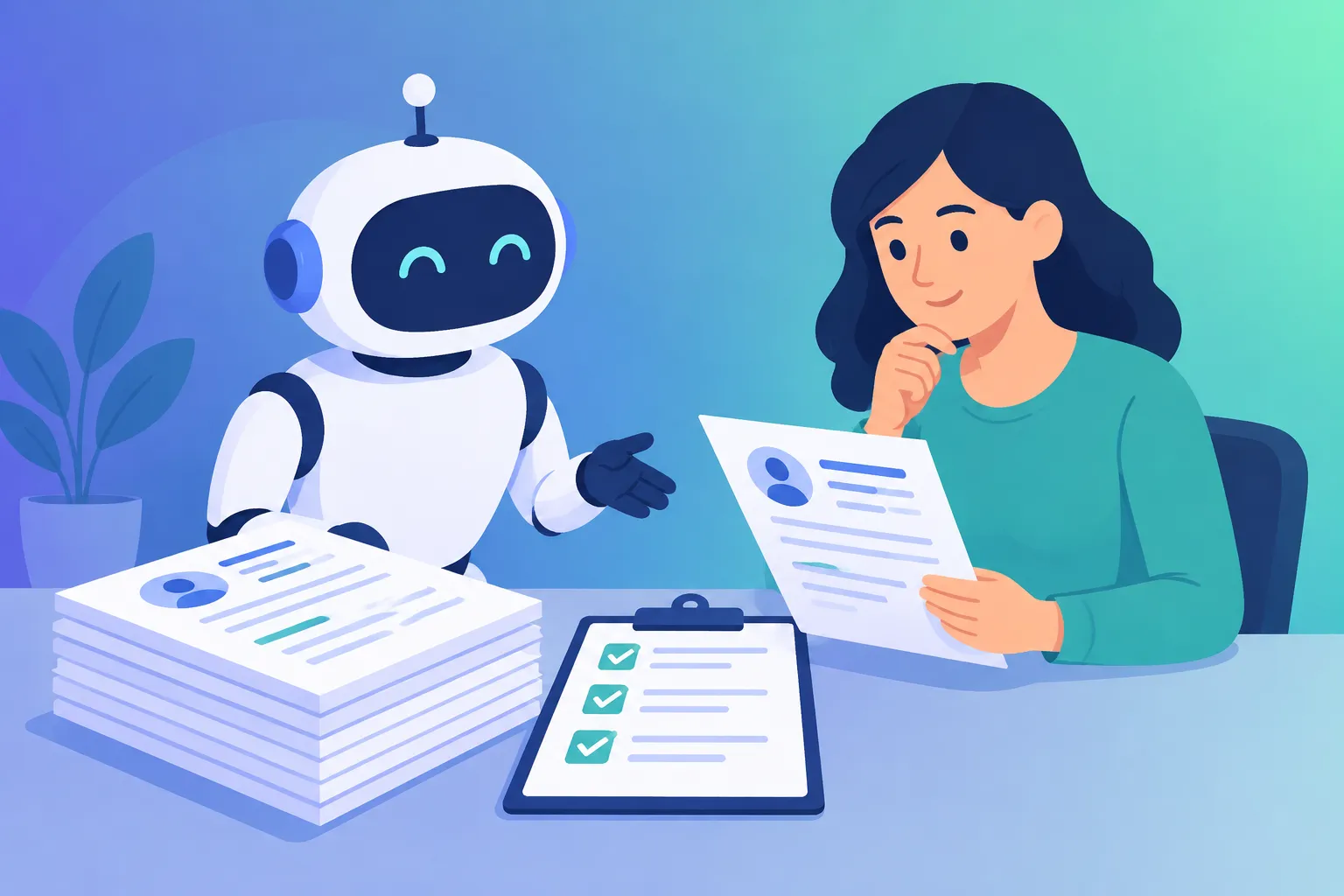

AI hiring tools can write job posts, sort applications and schedule interviews in a fraction of the time it takes by hand. They can also create legal risk, because hiring is one of the most regulated uses of AI. This guide covers which AI hiring tools are worth using, what’s free, and the rules to know before you let software judge candidates.
All prices below were checked against several 2026 comparisons in October. Vendors change plans often, so confirm on each pricing page.
What AI Hiring Tools Can and Can’t Do
Used well, AI hiring tools save time on the repetitive work:
- Good uses: drafting job descriptions, writing structured interview questions, organizing applicants, scheduling, and summarizing interview notes
- Risky uses: automatically rejecting candidates, ranking people with a “fit score” nobody reviews, and analyzing faces or voices in video interviews
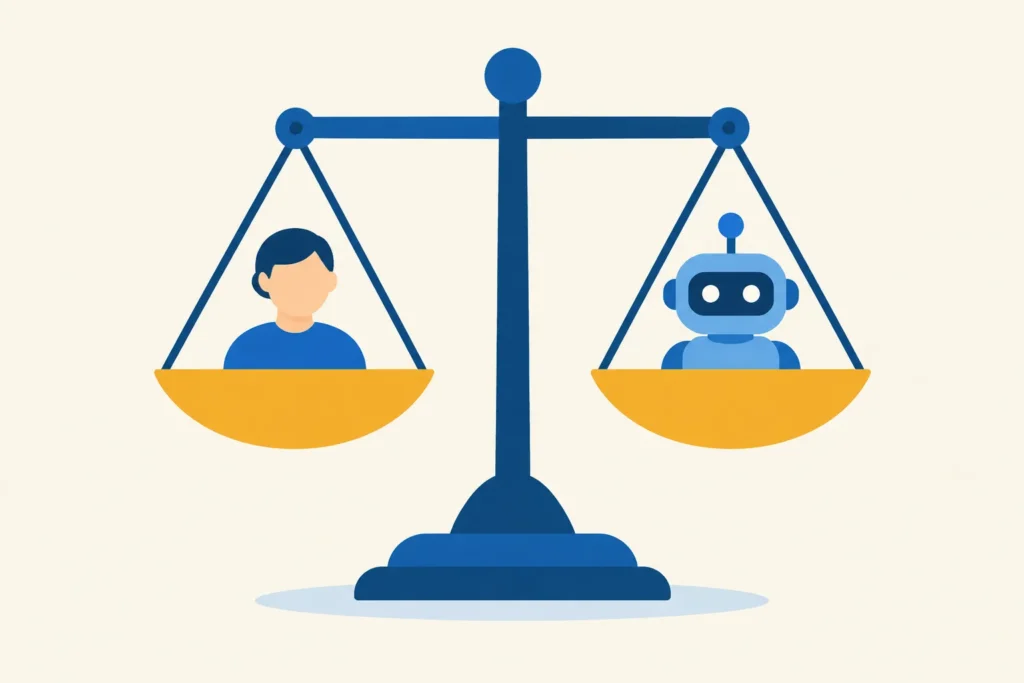
The pattern with AI hiring tools is simple. AI is fine as an assistant. It becomes a problem when it makes the decision.
1. A General AI Chatbot: Free and Flexible
You can start without buying anything, and a chatbot is the cheapest of all AI hiring tools. A chatbot such as ChatGPT or Claude can write a clear job ad, draft interview questions tied to the role, and build a scoring rubric so every candidate is judged on the same criteria.
Example prompt: “Write a job description for a part-time bookkeeper at a 5-person company. List must-have skills separately from nice-to-haves. Then write 6 structured interview questions and a 1–5 scoring rubric for each.”
Be careful with candidate data. Don’t paste resumes or personal details into a chatbot unless your privacy settings and policies allow it. For better results, see our guide on how to write better ChatGPT prompts.
2. Zoho Recruit: Applicant Tracking With a Free Plan
Zoho Recruit has a forever-free plan that covers one active job per recruiter license. That’s enough to replace a spreadsheet if you hire occasionally. Paid plans run roughly $17 to $25 per user per month depending on the edition and billing, and it works best if your business already uses other Zoho apps.
Best for: very small teams with one open role at a time.
3. Breezy HR: Free Start, Then Flat Pricing
Breezy HR offers a free Bootstrap plan with one active position. When you outgrow it, paid plans use flat monthly pricing instead of per-user fees, starting around $157 a month billed annually. It’s known for a visual pipeline that’s easy for first-time hirers.
Best for: owners and office managers who hire a few roles a year and want a predictable bill.
4. Manatal: Low-Cost AI Candidate Scoring
Manatal adds AI-assisted candidate matching and scoring to a standard applicant tracking system, with plans from about $15 per user per month billed annually, and a free trial. It’s one of the cheapest AI hiring tools with real AI features. Treat its scores as a starting point for your own review, not a verdict, for the reasons in the legal section below.
Best for: small teams of one to three recruiters who want AI scoring on a budget.
5. Workable: Polished but Pricier
Workable is a full hiring platform with job-board posting and AI features for sourcing and screening. The Standard plan starts at about $299 a month, with pricing that scales by company size. Older articles still quote lower prices, so check the current figure.
Best for: growing companies that hire steadily and can justify the cost.
AI Hiring Tools at a Glance
| Tool | Free option | Starting paid price | Best for |
|---|---|---|---|
| ChatGPT or Claude | Free plan | $20 per month for paid tiers | Job ads and interview prep |
| Zoho Recruit | One active job per license | Roughly $17–25 per user per month | Occasional hiring |
| Breezy HR | One active position | About $157 per month billed annually | A predictable flat bill |
| Manatal | Free trial | About $15 per user per month billed annually | Low-cost AI scoring |
| Workable | Free trial | About $299 per month | Steady, growing hiring |
The Legal Side of AI Hiring Tools
This is general information, not legal advice. Rules for AI hiring tools differ by location, and they changed a lot in 2026.
- New York City: Local Law 144 has been enforced since July 2023. If you use an automated tool to screen candidates for jobs in the city, you need an independent bias audit within the past year, a public summary of the results, and notice to candidates at least 10 business days before use. Fines run from $500 to $1,500 per violation per day.
- Colorado: The state’s original AI Act was repealed and replaced in May 2026 by a narrower law that takes effect January 1, 2027. It reportedly requires notice and human review, but drops the bias-audit requirement.
- Illinois: Employers need an applicant’s consent before using AI to analyze video interviews.
- European Union: The EU AI Act treats AI used in hiring as high-risk. Reports in mid-2026 say the main employment obligations were pushed back to December 2027, so check the current timeline if you hire in Europe.
- Existing discrimination law still applies. In Mobley v. Workday, a federal court allowed age and other discrimination claims to proceed on the theory that a software vendor can act as an employer’s agent. The case is ongoing, but the lesson is that using a tool doesn’t move the responsibility off you.
If you’re unsure, ask a lawyer who handles employment law. You can also read our disclaimer about what this site does and doesn’t cover.
A Safer Way to Use AI Hiring Tools
- Keep a human making the final decision on every candidate.
- Tell candidates when software is part of your process.
- Ask vendors whether their tool has had a bias audit, and for the results.
- Judge candidates on job-related criteria that you wrote down before you started.
- Keep records of how you used the tool and why you made each decision.
- Be cautious with video or voice analysis, which carries the most legal and fairness risk.
- Spot-check rejections to make sure good candidates aren’t being filtered out.
How to Choose Among AI Hiring Tools
- Hire once or twice a year: a free chatbot plus Zoho Recruit or Breezy HR’s free plan
- Want AI scoring on a budget: Manatal, with human review of every result
- Hire all year and need job-board posting: Workable, if the price fits
- Not sure you need software: a spreadsheet is fine for your first few roles
If you’re building out your wider toolkit, our guide to the best AI tools for small businesses covers more areas.
Frequently Asked Questions
A free chatbot for job ads and interview questions, plus the free plans from Zoho Recruit and Breezy HR, which each cover one active job. Both are enough for occasional hiring.
Using AI hiring tools to screen resumes is legal in many places, but there are rules. New York City requires a bias audit and candidate notice, other jurisdictions are adding their own requirements, and existing discrimination law applies everywhere. Check the rules where you hire.
Yes. They can reflect patterns in the data they were built on, and lawsuits such as Mobley v. Workday allege that AI screening tools discriminated against applicants. That’s why human review and bias audits matter.
Not at first. A spreadsheet works for a few roles. An applicant tracking system starts to pay off when you receive many applications or hire regularly.
No. Use AI hiring tools to save time on drafting, organizing and scheduling, and keep a person responsible for deciding who gets hired or rejected.