


AI meal planning can turn “what are we eating this week?” into a full plan and a shopping list in a few minutes. It works well, and you can start for free. The catch is that the app side of this market is unstable: Yummly closed in December 2024, PlateJoy closed in July 2025, and Mealime closed on October 21, 2026.
Here is what still works for AI meal planning in October 2026, what to pair it with, and which names to avoid.
Meal Planning Apps That Have Shut Down
Many “best meal planner” lists still recommend these, so check the date on anything you read:
- Yummly shut down in December 2024.
- PlateJoy shut down in July 2025.
- Mealime closed on October 21, 2026. Its owner, Albertsons, is moving the recipes into Meals Hub, a feature inside its own grocery store apps. Mealime’s Pro features are free until then, and personal data is deleted at shutdown. Its site doesn’t appear to offer an export tool, so copy any recipes you want to keep before the deadline.
Before you pay for any meal planning app, search for “[app name] shutting down.” It takes ten seconds and can save you a subscription.

1. A General AI Chatbot: Most Flexible and Free
You don’t need a dedicated app to get started. A chatbot such as ChatGPT, Claude or Gemini can handle AI meal planning from one detailed prompt, because planning is exactly the kind of structured, detail-heavy task these tools do well.
Example prompt: “Build a 5-night dinner plan for 2 adults, one vegetarian. Keep it budget-friendly, with under 30 minutes of prep per meal. Reuse ingredients across at least three meals to cut waste. Then give me a grocery list organized by store section.”
The more detail you give (household size, diet, budget, nights you actually cook), the better the plan. Our guide on how to write better ChatGPT prompts covers this in more depth, and our ChatGPT vs Claude vs Gemini comparison helps you pick one.
Limits: in AI meal planning, a chatbot doesn’t know your local store prices, and it won’t remember your pantry from week to week unless you tell it.
2. Samsung Food: Free Planning, Paid AI Plans
Samsung Food (formerly Whisk) lets you save recipes from any website, plan meals and build grocery lists on its free plan. Its AI-personalized meal plans are part of the paid Food+ tier, which one 2026 comparison lists at about $6.99 a month or $59.99 a year.
Best for: people who want to save recipes and plan around them without paying, and who may upgrade later for paid AI meal planning.
3. Pair AI Meal Planning With a List or Recipe App
A chatbot makes the plan, but it won’t store your recipes or share a list with your household. That is where these apps help. They aren’t AI tools themselves, but they cover what chatbots can’t.
- AnyList: Shared grocery lists are free. Meal planning and web recipe import are part of its paid Complete tier, which reportedly runs roughly $10 to $15 a year. Check the current price in the app. Best for households that need one synced shopping list.
- Paprika: A recipe manager you buy once per platform, with sync included. Expect about $5 on mobile and about $30 on desktop, though sales happen. Best for people who want to keep their own recipe collection without a subscription.
- Meals Hub: The free Mealime replacement inside Albertsons’ grocery apps. It is US-only and built around that chain’s stores. Best for Albertsons shoppers who liked Mealime’s recipes.
A Simple Weekly Workflow
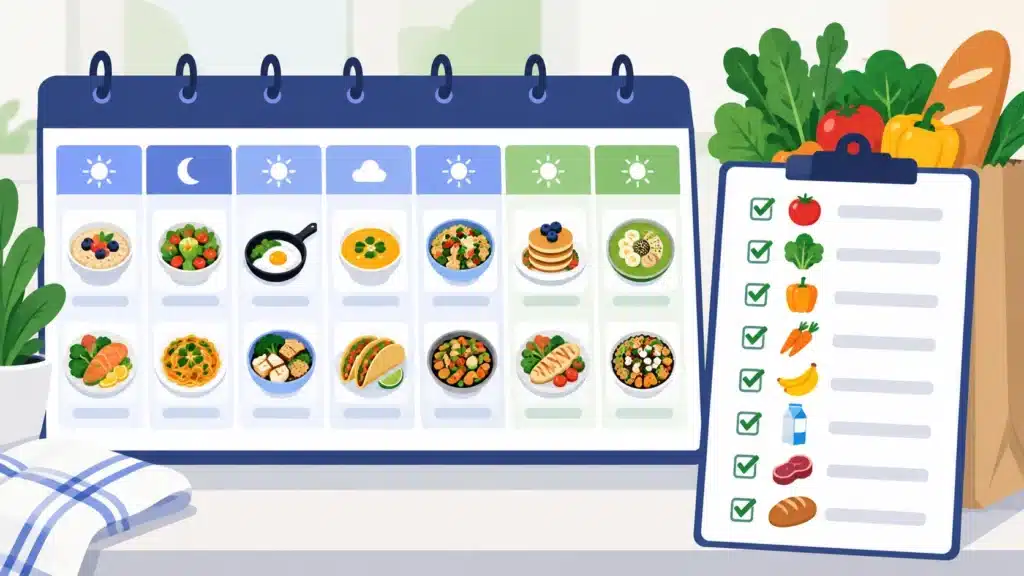
This is how AI meal planning works well in practice:
- Tell the chatbot the basics: household size, diet, budget and how many nights you will cook.
- Ask for a plan that reuses ingredients, so you buy fewer things and waste less.
- Ask for a grocery list by store section, with quantities.
- Paste the list into your list app (or your notes) so everyone can see it.
- Check the recipes yourself, especially if anyone has allergies.
Ten minutes on Sunday usually replaces a week of “what’s for dinner?” decisions.
How to Pick Your AI Meal Planning Setup
- Want the cheapest option? Start with a free chatbot.
- Want to save recipes and plan in one place? Samsung Food.
- Need a shared shopping list? Add AnyList.
- Keep your own recipe collection? Add Paprika.
- Considering a paid all-in-one app? Confirm it is still maintained first.
AI meal planning works best when you keep your tools simple, because the apps are the part that changes.
Frequently Asked Questions
For building a plan and a grocery list, yes, if you write a detailed prompt. It can’t remember your pantry by itself or place a grocery order for you, which some dedicated apps do.
The reasons differ. Albertsons, for example, is folding Mealime’s recipes into its own grocery apps. Whatever the cause, the lesson is the same: check that an app is still maintained before you pay for it.
For most households, yes. A free chatbot, plus a free list app or the free Samsung Food plan, covers the core need. Paid tiers mostly add convenience.
Ask the AI to reuse the same core ingredients across several meals in the week instead of giving you five unrelated recipes that each need their own shopping trip.
Treat AI suggestions as a starting point. Always check every recipe and ingredient against your own allergy or dietary needs, since AI tools can make mistakes with substitutions.